Arrow Tap Game - Plan a Clear Exit for Every Arrow
Work through a crowded arrow arrangement one clear lane at a time. Inspect the route to the edge before choosing the next piece.
How to play Arrow Tap Game
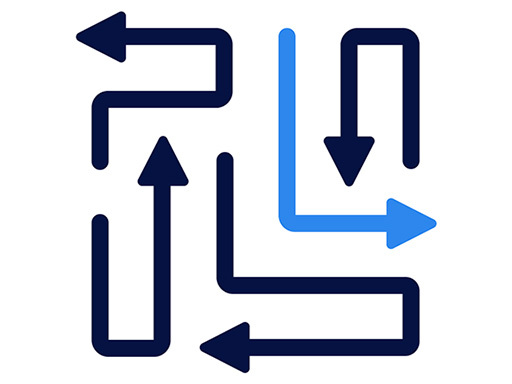
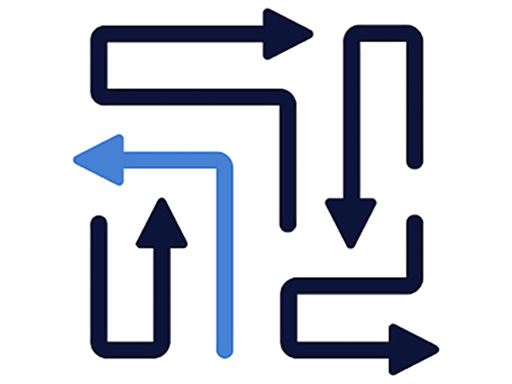
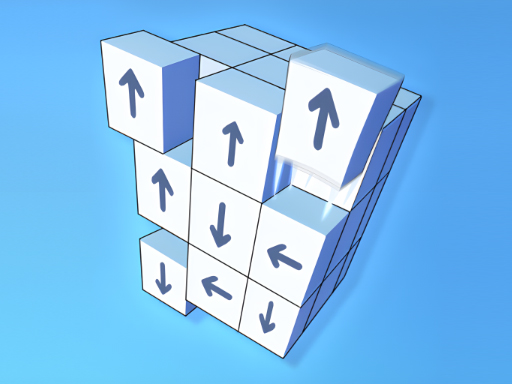
Select an arrow to send it out along the direction of its head. Before choosing a piece, check whether another arrow occupies the route to the edge. The provider describes the puzzle as finding the right order to clear the arrangement without trapping other pieces.
Start with the Play control inside the game. Let the board and any tutorial finish appearing before testing a move. If the menu is visible but the board has not started, clicking the page's surrounding frame will not advance the level; use the game control itself.
The tested first board showed three upward arrows with open routes. We cleared the middle arrow, then the left arrow, then the right. Each selection removed its piece. Use that example only for a matching opening, and reassess the exit lanes when a later board changes the arrangement.
The official control list includes mouse selection and the R, H, and Escape keys for restart, hint, and pause. Keyboard handling depends on focus reaching the game. Follow the labels and tutorial in the current release, and read any prompt before using a hint.
Work backward from the blocked arrow
Choose a piece and trace a straight line from its head to the edge. If a second piece blocks that line, check the second piece's exit next. Continue until you find an arrow that can leave now.
For a hypothetical right-facing arrow blocked by an upward arrow, inspect the space above the upward piece. If that route is open, removing it can free the horizontal lane. If it is also blocked, the next useful move lies farther along the dependency chain.
This method does not require guessing a level number or copying a sequence from a different release. It uses the pieces present on your board. The arrow strategy guide has further worked reasoning examples for this kind of obstruction.
Check long paths carefully
A head can have empty space immediately ahead while the lane is blocked farther away. Trace all the way to the boundary, especially when a long arrow bends through a crowded part of the picture.
After clearing one piece, revisit the route that it blocked. You already know why that space matters. This keeps the next decision focused instead of making you search the entire arrangement from the beginning after every successful selection.
When two arrows both seem free, compare what their removal opens. A piece that frees several routes can make the rest of the board easier to read. Treat that as a planning habit, not a promise that one universal ordering solves every level.
Separate a blocked move from a loading problem
If one arrow stays still while other controls respond, recheck its exit lane. If the whole frame is unresponsive, wait for the external files or provider overlay to finish. This Unity-based release can take time to initialize, so the first load and an individual blocked move need different checks.
Expand game if the menu or board feels cramped. Restart game on this page reloads the external frame; it is separate from an in-game restart shortcut and does not guarantee that the current attempt will be restored.
Identify the version before using a walkthrough
This page embeds Arrow Tap Game, listed by Terafort US LLC on GameMonetize. Other games named Arrow Escape or Arrow Game can have different boards and help systems. Match the title, starting arrangement, and controls before following a position-by-position guide.
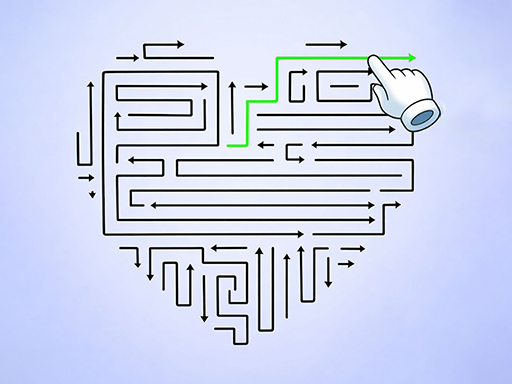
Try Arrow Jam for colored arrow lanes or Arrow Escape Puzzle Game for a white-arrow board with a different opening. Both are separate releases with their own instructions and FAQ. The arrow games collection lists the full selection.
Questions about Arrow Tap Game
How do I decide which arrow to remove first?
Trace a route from a head to the edge. If another piece blocks it, inspect that piece next. Follow the chain until you find a clear exit, then recheck the lane that removal opens.
Can I use the keyboard?
The official listing describes R for restart, H for hint, and Escape for pause. The frame needs keyboard focus, and these shortcuts have not all been verified in this guide. Follow the controls shown inside your session.
Why is the first load slow?
The external Unity game has to load and initialize its own files. Wait for its menu and any provider overlay to finish before interpreting an unresponsive board as a blocked move.
Is this the same release as Arrows Escape?
This page uses Arrow Tap Game, listed by Terafort US LLC on GameMonetize. It is a separate source from the homepage game, so a walkthrough for one version may not match the other.