Tap it Away 2D
Each tile moves in the direction printed on it. Look for a clear lane, remove the piece that can leave, then check what that opening makes possible.
How to clear the tiles
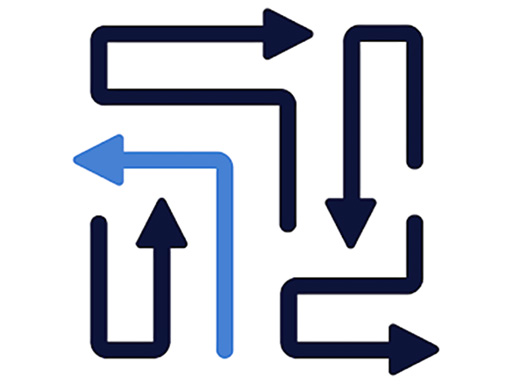
In Tap it Away 2D, every tile carries an arrow. Select a tile and it moves in the direction shown. Your task is to remove the pieces by finding open lanes and choosing a removal order that frees the rest of the board.
Read the arrow on the tile you want to select, then inspect the cells in front of it. A clear route makes that piece a useful candidate. After it leaves, stop and inspect the opening: a neighboring tile may now have the route it was missing.
Work backwards from a blocked tile
If a tile cannot leave, do not treat it as a separate unsolved puzzle. Follow its exit lane until you find the piece obstructing it. Now read that piece's arrow and inspect its own lane. Continue until you reach a piece with a clear route, then remove the chain in the reverse order.
An exposed border is a good place to start, but proximity to an edge is not enough. A tile pointing back into a cluster can still depend on several other pieces. Direction is the more useful clue.
Prioritize moves that open shared lanes. A single piece can obstruct more than one route, and removing it may create several choices. When that happens, pause to check all the newly available tiles rather than immediately selecting the nearest one.
Use the flat board to practice sequencing
This version presents its directional pieces in two dimensions. You can focus on the relationship between a tile, its arrow and the cells ahead without first rotating a three-dimensional object. A methodical scan is usually easier to follow than remembering a long sequence of speculative taps.
If you want a puzzle with a destination for each piece, try Snake Escape. To return to long-line arrows, open Arrows Escape on the homepage.
Tap it Away 2D questions
What should I inspect before selecting a tile?
Check the arrowhead and the complete lane in front of it. An empty space beside the tile is not necessarily an exit in the direction it can move.
Is this the same as a game named Tap Away on another site?
Names alone do not establish a match. This page embeds the HTMLGames / Zygomatic release called Tap it Away 2D, so controls or level solutions from another version may differ.
Can this game show advertisements?
Yes. The provider's original game and advertising are retained. Our Play control starts the external frame; it does not promise an ad-free session.